At What Age Should Kids Start Learning to Code? (A Parent's Complete Guide)
At What Age Should Kids Start Learning to Code? (A Parent’s Complete Guide)
It is a question that is often posed by parents whenever they consider preparing their children to live in a digital future. The encouraging fact is as follows: no age can be considered the correct age in which kids should begin to learn how to code. Age does not determine coding, but your child has a curiosity, cognitive understanding, ability to solve problems, and approach to learning, and this all is determined by age.
From the playful, screen-free logic games that preschoolers can learn to the actual programming languages that teenagers can learn, coding education has a very different appearance at each of these stages of childhood development. There are those kids who are interested as early as age 3 and those who find interest in coding at teenage—both avenues are quite normal. The most important thing to do is to implement the ideas of coding in a manner that is age-related and engaging and creates confidence instead of stress.
In this blog you will learn when and the way in which kids may learn to code, organized by age category: 3-6, 7-10, 11-14, and 15+. You will gain an understanding of what skills children normally gain in each stage, what kind of coding activities are most effective, and how to give support to the learning without being the experts in technology. Within the framework of this guide, you will have a handy road map to determine when it is appropriate, as well as how, to introduce your kid into the world of coding.
Introduction: How Early Is Too Early for Coding?
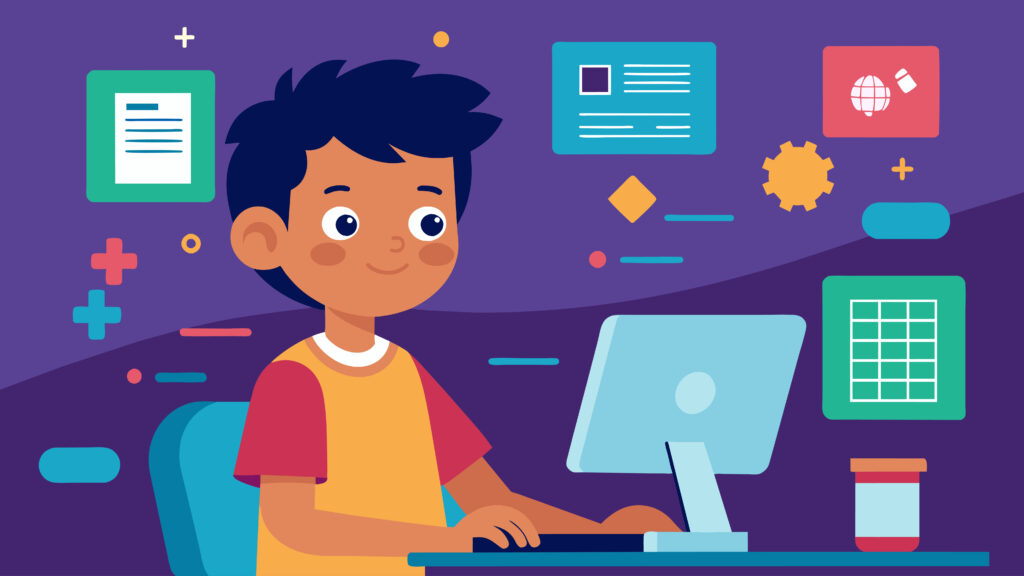
Children nowadays learn to swipe screens, speak to the voice assistant, and see smart devices react immediately to their actions, often before children can read or write. It is only natural that so many parents will want to understand: When my child can use a tablet this easily, then should he or she, too, begin to learn to code? Or is that laying too much on too soon?
This is one of the truths that are frequently forgotten in the discussion of teaching computer codes to children on the internet: it does not start with typing in complicated instructions or watching a computer screen. It starts with thinking abilities such as logical thinking, pattern recognition, sequencing, creative ability, and problem-solving. They are skills that kids will acquire over time and the coding only provides them with an organized means of training their skills at the appropriate time.
The Short Answer: When Should Kids Start Coding?
The brief version: children begin to learn the concept of coding at as young as 3-4 years of age, although formal programming is much later, and similarly, there is no age at which one is considered to be too old to start learning.
Coding does not appear like the lines of code at a young age. It is knowing sequences, cause and effects, patterns, and how to solve problems with the help of activities and puzzles and visual games played. As children mature, these primordial skills are developed into something block-based that eventually develops into full programming languages.
The age of your child is of very little importance, but rather, interest, attention capacity, and developmental readiness have greater significance. An inquisitive 6-year-old who likes to construct and problem-solve can be better prepared than an uninterested 9-year-old, and that is all right. Coding must not be enforced but must be interesting and empowering.
Understanding Coding Readiness: Is Your Child Ready?

Instead of age, however, parents could do a lot better by thinking in readiness. Coding-readiness is not much about grades, test scores or the level of academic sophistication in a child. It is rather a matter of the way a child thinks, explores, and works with challenges.
Ready-to-learn children of all ages tend to exhibit some common traits: they like figuring out how things work, able to follow simple sequences of steps, able to maintain attention on an activity over a short but significant duration and interested in learning what happens when something does not work as intended. These attributes may be present in some children early and in some children late and none of them is a problem.
This is not some kind of a checklist that your child has to pass. It is merely a means of allowing parents to note without any coercion, whether coding activities would be enjoyable and instinctive instead of annoying. Coding is the means of developing confidence and thinking skills, not other academic milestone to hurry when readiness, rather than age is the beginning point.
Signs Your Child Is Ready to Learn Coding

No technical skills are needed to be able to see the coding preparedness. The signs are very numerous, appearing in daily games and in discussions. Your kid is possibly ready to learn about coding if they:
Have ability to follow instructions step by step, e.g. construct something based on simple instructions or on multi-step instructions.
Play puzzles, building blocks, board games or games that involve thinking in advance.
Ask questions repeatedly such as; How does it work? or What will happen if I do this?
Know simple first, next, last, or can describe sequence of events of a story.
Be persistent in solving a problem even in cases where they do not get it the first time.
These actions are signs of rational thought and interest- the fundamental building blocks of coding, whether a child has developed an interest in a programming tool or not.
Developmental Factors That Affect Coding Readiness
Coding readiness also depends on the way the children grow at various stages and this differs greatly among the children.
Cognitive development: Younger children are more concrete thinkers and hence the best coding activities are the ones that are visual and hands-on. As children develop, they get more abstract thinking which facilitates more complex programming concepts.
Attention span: Preschoolers have a short attention span and can only attend to a few minutes whereas children of higher ages have a longer attention span. The activity of coding must never exceed the natural attention span of the child to frustrate him/her.
Fine motor skills: Younger children can play with a mouse or keyboard, and touch-based applications or physical coding toys are more suitable. The typical children who are older are able to have the motor control to use traditional computers and typing-based coding.
Learning these developmental factors can assist the parents to know the type of coding experience to use not only when they are ready but also at the appropriate age, so they can enjoy obtaining the knowledge and make it possible and worthwhile.
Ages 3–6: Introduction to Coding Concepts For Elementary School Kids

In the case of children between 3 and 6, learning to code does not imply sitting in front of the computer or writing actual code. The coding can be introduced at this stage by the play-based, screen-light activities that develop fundamental thinking skills and not technical knowledge.
Young children like to learn through movement, stories and also through hands-on exploration. The concepts coded in this age group are centered around logic, sequencing, patterns, and cause, and effect (such as that one thing has to come before another, or that a sequence of steps has to occur in a particular sequence). These skills are the foundation of writing codes in the future even though there is no programming language as yet.
Parents make coding fun and stress-free, thus allowing the children to become more confident and curious rather than frustrated. It is not to make a small programmer in these early years, but to encourage problem-solving habits and structured thought to be natural and a good and developing thing to do.
What Kids Ages 3–6 Can Learn
Children aged 3-6 are establishing the mental foundations which coding will be based on in the future. They can develop naturally through play and through day to day exploration:
Cause and effect: This is knowing the result of an action (pressing a button results in something moving, changing a step is a different result).
Patterns: Perceiving similarities, repetition and series of shapes, colors, sounds and movement.
Sequencing: Learning that activities occur in a particular sequence, first, then, next, then, last.
Logical thinking: Simple decisions, making predictions, trial and error solving of small problems.
These are skills that are not screened or classroom-taught. Introduced in a joking way, they make children start thinking in terms of problem-solvers even though they are not aware that they learn a coding process.
Best Screen-Free and Digital Tools for Ages 3–6
The most effective tools to use with this age group are the ones that do not appear like lessons, but rather seem to the kids as toys and limit screen time to a minimum and meaningful purpose.
Unplugged activities: Direction games (such as Simon Says), sorting objects, matching games, and using arrows or cards to code paths on the floor.
Simple coding toys: These are physical devices that enable children to issue commands by pressing buttons or moving blocks around, which enable the children to understand how sequences in real life work.
Easier-to-use apps: Coding apps targeted at pre-readers which are visual and based on a story format and lack text but are based on drag and sequence and problem-solving.
It is the process of interaction and exploration rather than perfection. Children are supposed to be free in experiments and mistakes.
Everyday Activities Parents Can Use to Teach Coding Thinking
Parents do not need any special equipment to reinforce the ideas of coding all one needs is many daily situations in which coding-style thinking is practiced.
Cooking along the way: Recipe following, means sequencing, measuring, cause-and-effect (“what happens when we omit a step?).
Storytelling: Storytelling involves getting children to retell or re-arrange a story to make them grasp sequence, logic, and structure.
Block play and building: Stacking, balancing and structure designing stimulate problem solving and pattern recognition.
Ages 7–10: Building Strong Coding Foundations
Among children, the age group of 7 to 10 would be a perfect place to start with a more organized and guided learning of coding. At this age, children are able to think rationally, take multi-step directions and explore on their own but they still like the play based creativity. They are mature enough to know about rules and patterns but they are young enough to learn it through adventures and fantasy.
What Kids Ages 7–10 Can Learn
At the ages of 7-10, children are prepared to leave behind the simple concepts and begin to learn real programming logic in terms of block-based code. Here, they are able to write simple games, animations, and stories and at the same time learn fundamental concepts like loops, events, conditions, and the simplest form of debugging. They do not memorize commands, but learn the relationships between instructions, how actions cause reactions and how to correct errors, which are the core of any further coding language.
Best Platforms and Languages for Elementary Coding
The ideal coding environments to apply in this age group involve visual block-based programming that can be learned without frustrating the learner. Project-based ecosystems and beginner-friendly platforms enable children to drag and drop the code blocks in order to create interactive projects that will encourage them to investigate and become creative without fear of syntax errors. These environments assist children in concentrating on logic, design, and problem solving and slowly getting them ready to learn text based programming.
Skills Children Develop at This Stage
Coding is used between the ages of 7 and 10 to help children learn how to think in a computer, solve problems systematically and creatively gain confidence. They are taught to make large problems take small steps, experiment and persevere. More importantly, coding makes us more resilient, children learn that making mistakes is part of the process and that getting better at something comes through practice.
How Parents Can Support Without Over-Helping
Participation of parents in learning to code can be most effectively facilitated, rather than being fixed. Independence and confidence are developed by encouraging curiosity, open-ended questions, and providing children with room to commit errors. The emphasis on effort and finding a solution instead of flawless performance educates children to understand that being a coder means exploration and learning- not doing it right the first time.
Ages 11–14: Transitioning to Text-Based Coding
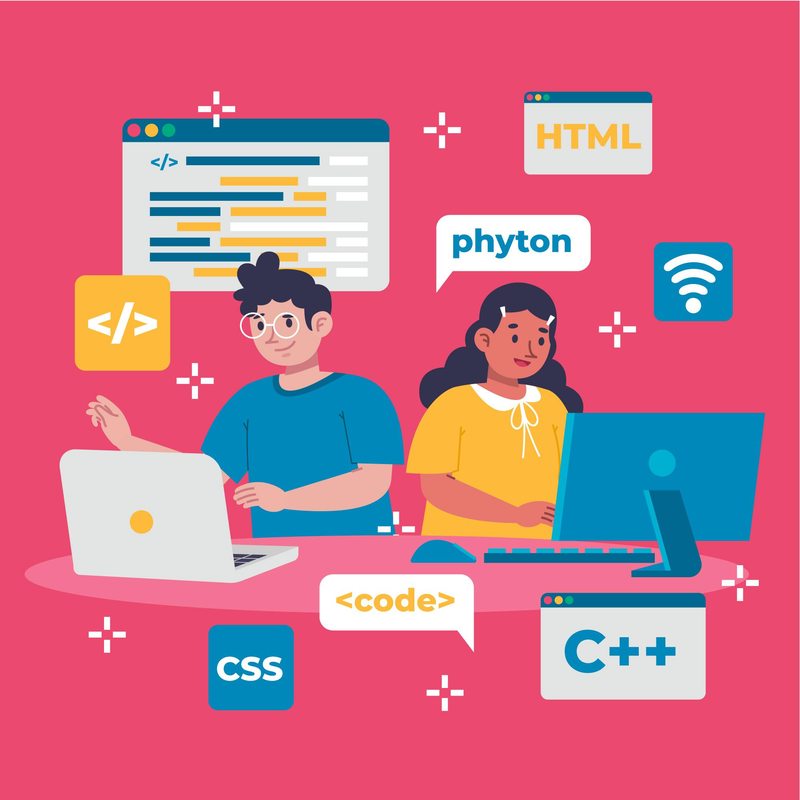
Another critical point in the coding journey of a child is ages 1114: a child is no longer working with visual and creative coding but instead with real-world, textual programming. The step is a transition, and it lets kids realize how the logic they are already familiar with can be converted into a written code. Here, it is necessary to emphasize on gaining confidence and clarity, rather than speed and complication. Text-based coding, when implemented in a conscientious manner, gives preteens the ability to view themselves not as learners who follow instructions, but as creative entities.
What Preteens and Teens Can Learn
At this point children start to learn the fundamentals of programming syntax, and reinforce their knowledge regarding algorithms and logical flow. They are able to use coding on real life situations like simple games, applications, data processing and basic web development using HTML, CSS or beginning scripting. What is more important is that they get to know how code can be used to solve practical problems, which makes programming seem relevant and meaningful.
Best Programming Languages for Ages 11–14
Text-based languages that are beginner-friendly are particularly useful with this age group since it is readable, loose, and commonly used in the real world. Those languages assist students to concentrate on logic and problem solving and progressively present syntax regulations. The knowledge of such languages provides preteens with a solid base with which to bridge into higher programming, web development, automation, and other skills of their future careers.
Smart Transition Strategies from Block to Text Coding
Breaking into block-based to text coding cannot be accomplished in one step; instead it must be gradually developed. Combining visual encoding with text, rewriting known block projects in written form and focusing more on problem-solving, rather than memorization of commands leads to less frustration. By knowing the reason why code works (instead of simply remembering what to type), kids also become more confident and easily adjusted to any program language they get to know in their next step.
Ages 15+: Professional-Level Coding and Career Readiness

Throughout the 15 years and beyond, the coding is no longer about concept learning but more to develop real life skills to help in college preparation, career exploration and developing portfolios. At this level, the more advanced features of application development, game engines, data concepts, and exam-oriented programming can be introduced to teens, and their understanding can be used on significant long-term projects. Coding is a form of proving oneself with the help of personal portfolios, competitions, internships, and certifications, which can help the students shine in the college applications and their future career. Not only the development of technical skills, but also the scale of problem-solving, independent learning, the confidence required to work beyond student projects and into professional-level work are also the aims of this stage.
Why Starting Early Matters (But Starting Late Is Okay Too)
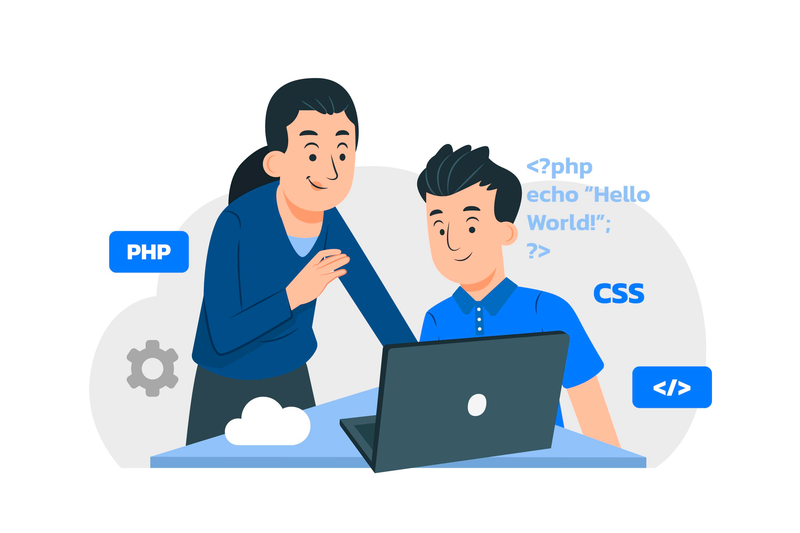
Coding among children at an early age will enable them to think logically, be creative and comfortable with problem solving as time passes thus just like it is done in learning a language or playing a musical instrument. When one commences at a tender age, the skills will develop slowly and without any coercion. However, it is not at all a bad idea to begin late. Numerous programmers, who have achieved any success, started when they were teens, even adults. Coding is neither a race nor an age thing, but a skill that is developed through practice and once children are motivated and with the appropriate support, they can pick up very fast. The most important thing is the regular age-dependent learning that does not kill curiosity.
Common Mistakes Parents Make

The common thing with most parents who commit the mistakes is that they desire the best of the child. Some of the pitfalls that can be avoided are trying to push tools beyond their capability too soon, putting too much emphasis on outcomes, or comparing the performance of one child to another. One can prevent these problems with age-related activities, emphasis on effort instead of perfection, and the freedom to learn at a slower pace, which is easy to avoid. Children are committed and assured when coding becomes more of an exploration rather than anticipation.
How to Get Started: A Step-by-Step Parent’s Guide
To begin coding, one does not need to have any technical skills, only an intelligent mind. All you need to do is to identify what your child is interested in and what their attention span is and select the tools accordingly based on their age and style of learning. Begin small with fun and games, get a structure in, and get to experiment without the fear of failure. Be realistic, engaged with the learning process, not controlling, and modify the learning process as your child expands. Coding can also be a good process that builds confidence in your child with consistency and encouragement.

Tools & Resources by Age (Quick Reference Guide)

This will be a fast reference section that will attract busy parents who seek plain advice at a glance. At age 3-6, attention should be paid to logic games on the screen, sequencing exercises, and simple visual applications to pre-readers. The ages between 7 and 10 years are the most favored by block-based code systems and project-based environments in promoting creativity. Between ages 11 and 14, text-based languages with easy-to-learn programs and some basic web development tools are used to bridge the gap to the real programming. Adolescents 15 and older have access to more advanced platforms, projects, certifications and can build portfolios. You can save this guide on your bookmarks or take a screenshot to find it whenever you wish to find the right tools depending on the stage of development of your child.
Conclusion: Introducing Coding and Coding Activities at Best age artificial Intelligence

Kids can learn to code at any age, only that it is up to you to determine the right time to introduce your child to coding. Preparation, interest, and pleasure mean much more than deadlines or benchmarks. You might be teaching your child to play with patterns when they are 4 years old or teaching them real code when they are teens but coding is ultimately a thought process, not a career choice. The most practical way is to make one small step this week and to continue learning to have fun and skills would naturally develop with time.
Call to Action
Want to make this easier? Get our printable age coded guide, enroll in a supportive parent community or get subscribed to weekly age coded activities you can do at home. Do not suppose that little things will never make great things later--do what you can where you are and see how high you can climb.
FAQs: Early childhood coding and Problem solving skills
Is 5 Too Young to Learn Coding?
No, one should not be too young to start learning the principles of coding (age 5). Coding at this level must be play based and screen light with attention paid to sequencing, patterns and cause and effect instead of real programming languages. Without exertion or explicit lessons, children will be able to build these thinking skills that will help them to code in the future through games, stories, and physical activities.
Do Kids Need Strong Math Skills Before Coding?
Coding does not require strong math skills. Although coding may include logical reasoning and problem-solving, most beginner tasks involve visual blocks and real world situations as opposed to numbers. Actually, a lot of coding tends to increase the confidence in math teaching patterns, reasoning, and structured thinking in a more entertaining manner.
How Much Time Should Kids Spend at their Own Pace for Coding Each Week?
Having more is less important than quality. In the case of younger children brief exposure, 15 -20 minutes several times a week, suffices. Children aged older can spend more time slowly with increased interest. This will be aimed at maintaining consistency in exposure without burnout and making coding a fun activity instead of a terrifying one.
Can Kids Learn Coding Without Reading Skills?

Yes. There exist numerous coding programs targeting younger children and are pre-reader-oriented, with text-free instructional elements being based on icons, colors, and visual representations. Screens-free play and lengthy coding toys enable children to learn sequencing and logic even before they can read proficiently.
Should Parents Learn Coding Too for Computational Thinking?
Regardless of the parents being taught how to code, they do not need to know how to support their child but a basic idea of what coding is can be useful. Of greater importance than technical knowledge is to express curiosity, pose questions and promote persistence. Studying with your child can help build confidence and make coding feel that it is a trip you take together.
What If My Child Loses Interest in Computer Science?
This lost interest is normal and does not imply that coding is not the right choice to your child. Interests shift particularly among young children. A break, change of tools, or linking coding with something your child already likes such as games, stories, or artwork can be very helpful in rejuvenating interest. No harm in having a rest and coming back.
Comments
Your comment has been submitted